What does "reverse geocode photos" mean?
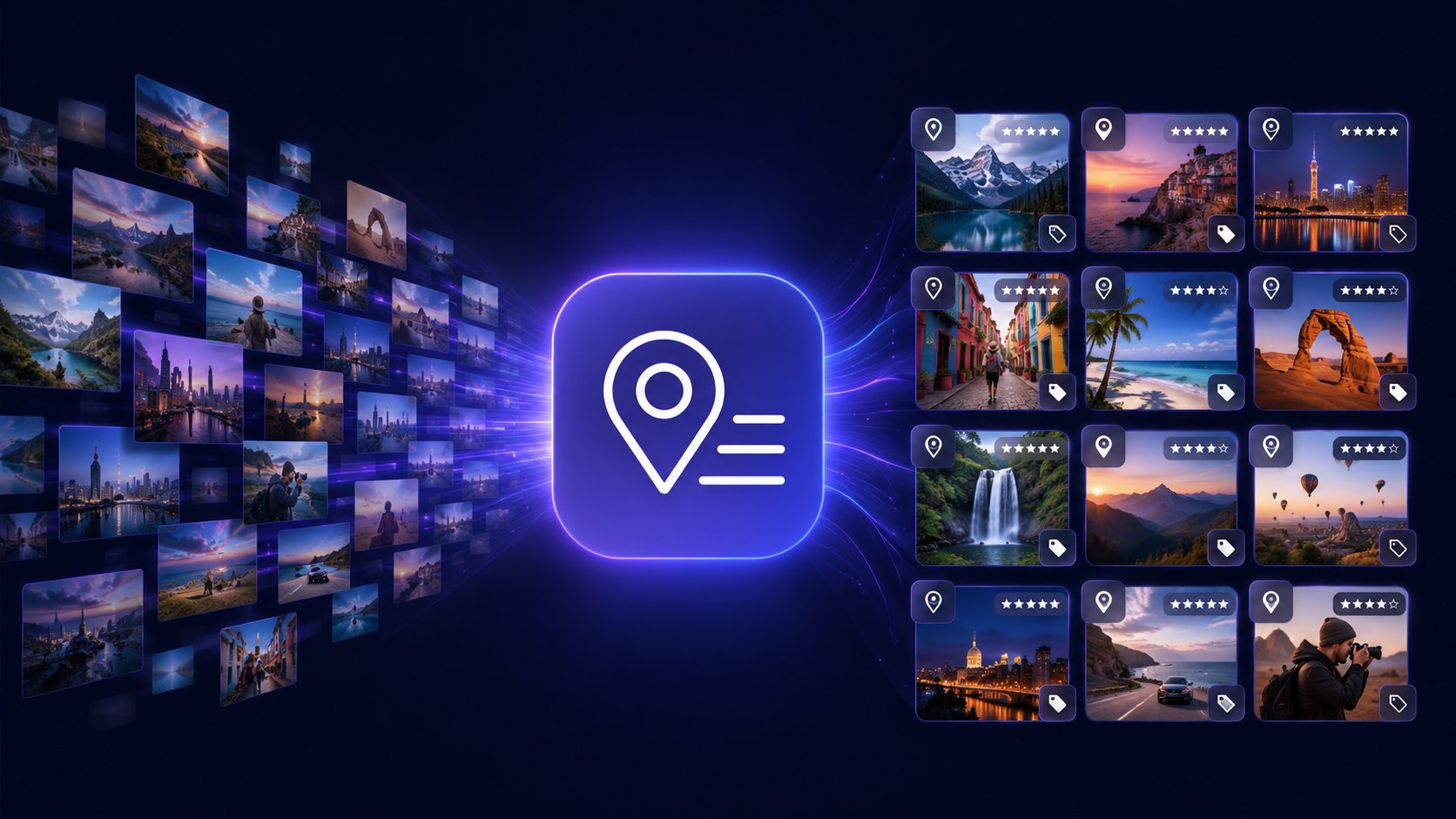
Reverse geocoding is the process of converting GPS coordinates (latitude and longitude) into a human-readable location name. When you reverse geocode photos, the GPS data embedded in each image is translated into the country, city, neighborhood, and specific place name (like a restaurant, monument, or park) where the photo was taken. Batch PhotoTools does this automatically for your entire photo library.
How can I find where a photo was taken?
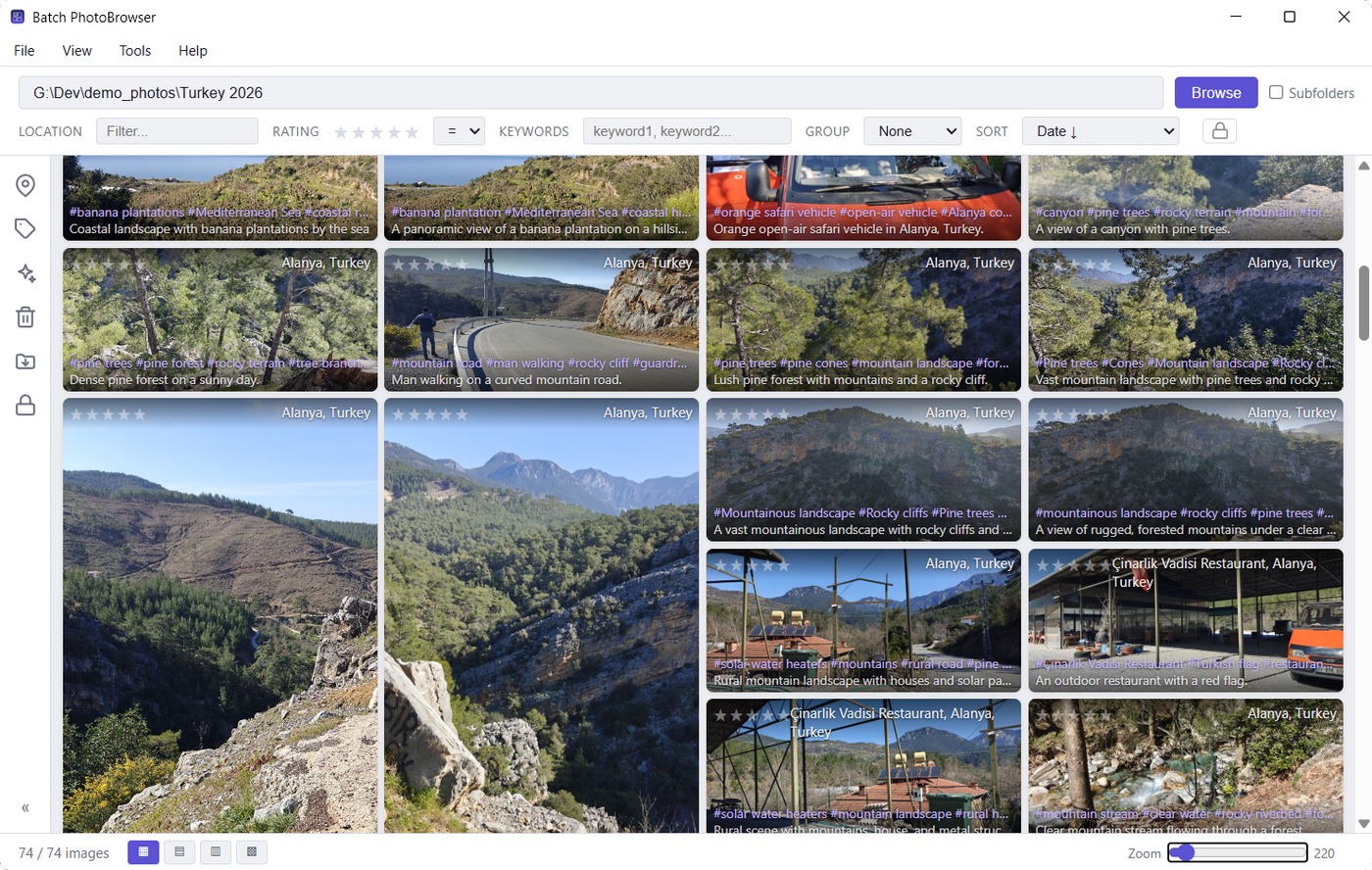
If your photo has GPS coordinates in its EXIF metadata (most smartphone photos do), Batch Geolocate reads those coordinates and writes the location as searchable text into the photo's IPTC/XMP fields. After processing, you can search for photos by country, city, or place name in any photo app — Lightroom, Capture One, ACDSee, or even Windows Explorer. Photos that carry no coordinates at all can be located too — see the next answer.
What about photos that have no GPS at all?
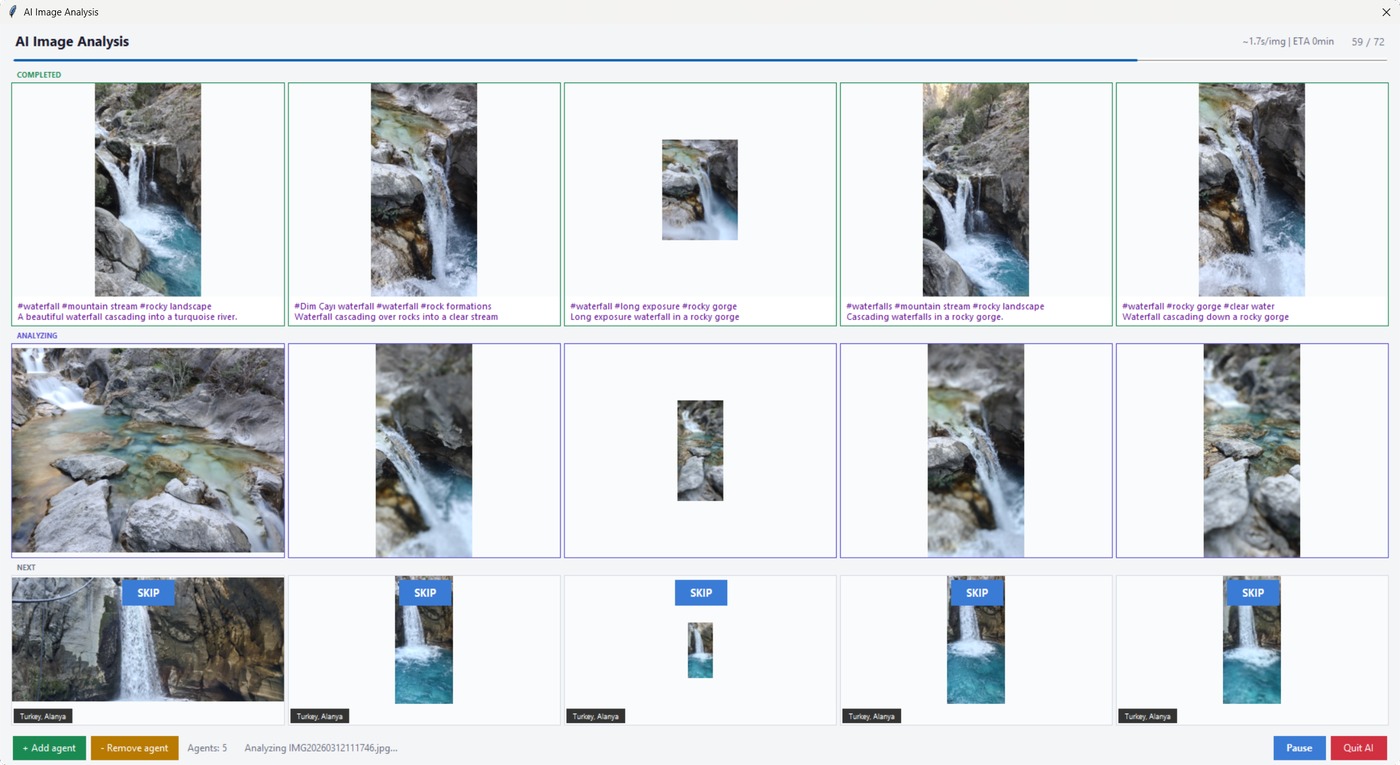
Batch Geolocate works those out with AI, using the picture, the date and your own folder names — an album called 2019 Tenerife → el teide tells it far more than the photo does. It asks which countries first, then proposes a place for each group of photos with the photos beside it, and you approve, take another suggestion, choose your own, or skip. Every decision is written immediately, so stopping half way keeps what you decided. Coordinates are only written when the exact spot is genuinely known, and are marked as estimates; when the AI is not sure, nothing is written. Needs an AI key; about 1¢ per 10 photos.
Is Batch PhotoTools free?
Yes, completely free. No subscription, no trial period, no account needed, no ads. Download and use all seven tools without any limitations. If you find them useful, donations via PayPal are appreciated but entirely optional.
Do I need an API key for reverse geocoding?
No — there is nothing to sign up for and nothing metered. You do need a connection: country, state and city come from an online map service. What you can move onto your own disk is the point-of-interest search, by downloading OpenStreetMap data for the countries you photograph, which makes those lookups instant and keeps them off the public servers. Every place looked up is remembered, so a second run over the same city asks nobody anything.
Can I sync photo metadata between Lightroom and Capture One?
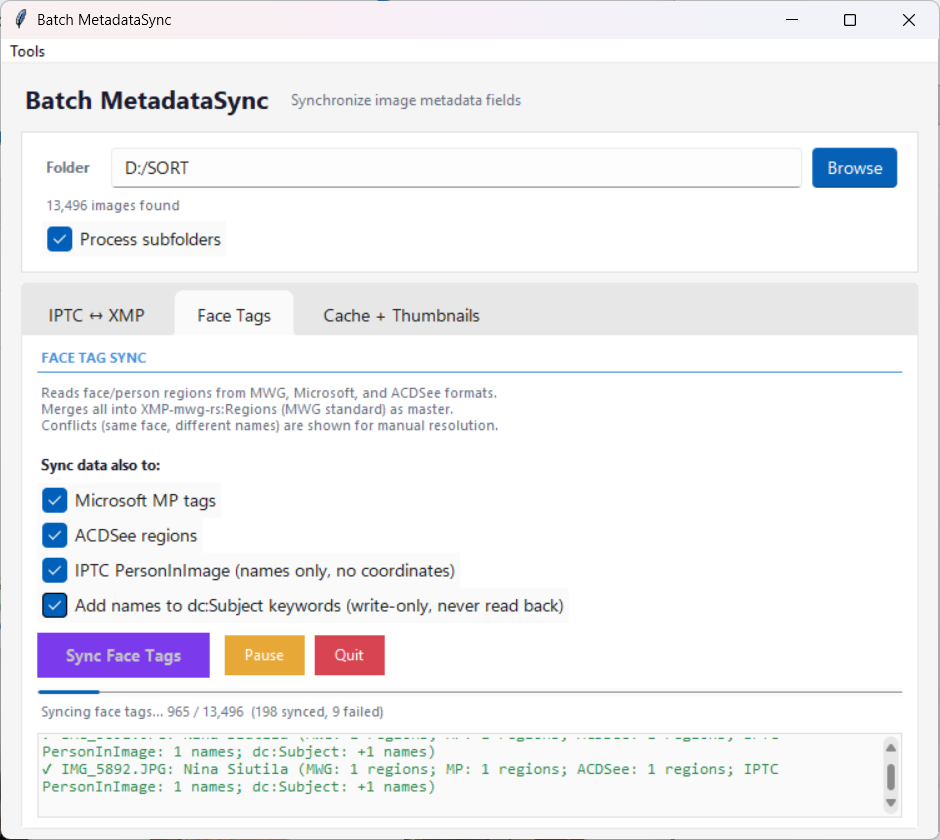
Yes. Batch MetadataSync synchronizes IPTC and XMP metadata fields — including face tags, keywords, and location data — between different photo applications. It bridges the gaps between Lightroom, Capture One, ACDSee, digiKam, and other apps that store metadata in slightly different formats.
How does photo POI tagging work?
POI (Point of Interest) tagging identifies the specific place where a photo was taken — not just the city, but the actual venue like a restaurant, museum, or landmark. Batch Geolocate uses OpenStreetMap data to match GPS coordinates to nearby POIs. You can also save custom POIs (like "Home" or "Office") so photos taken near those locations are tagged instantly.
Can Batch PhotoTools repair damaged or corrupted JPEG files?
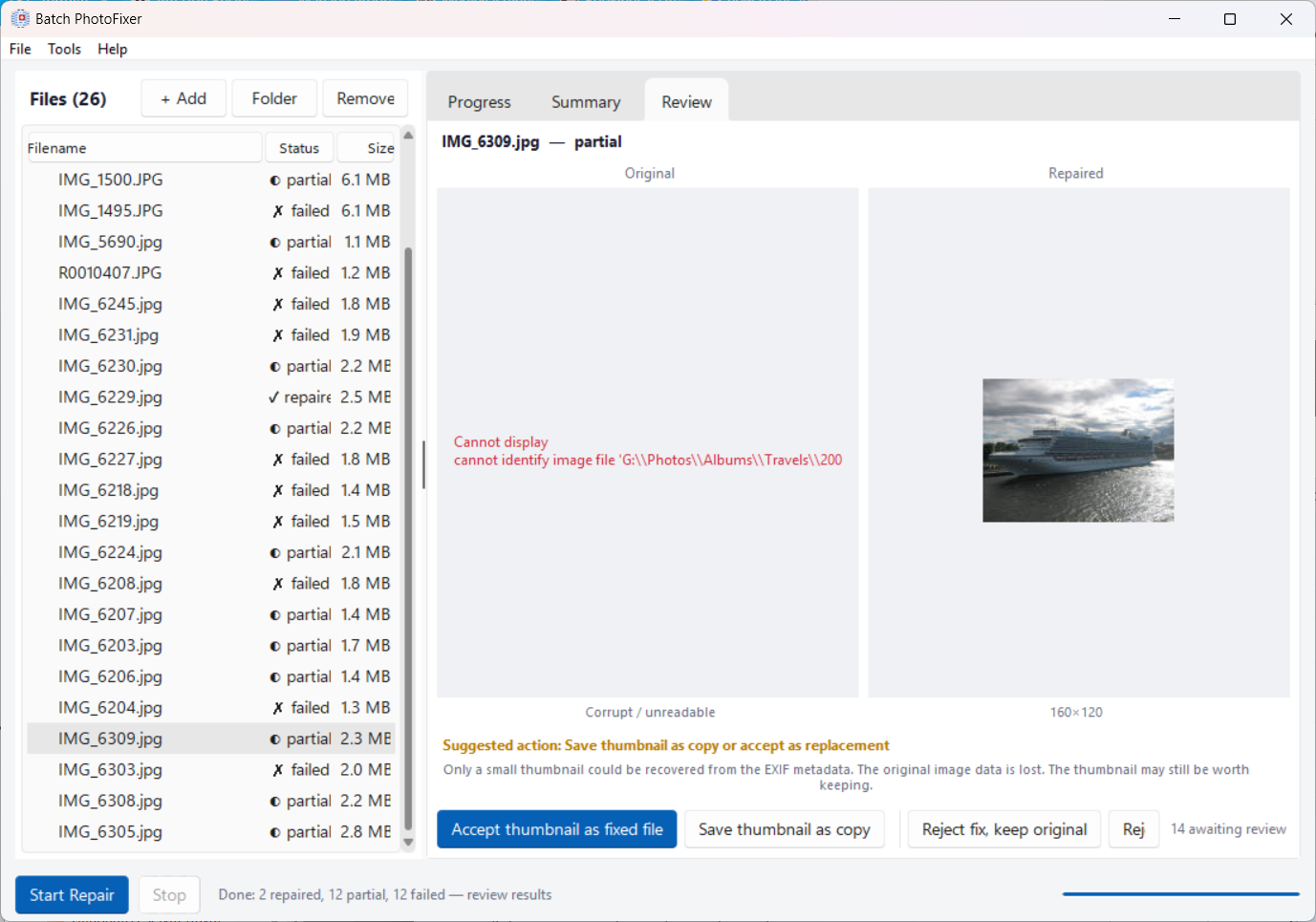
Yes. Batch PhotoFixer uses a six-stage repair pipeline to fix damaged JPEG files — broken headers, corrupted quantization tables, and incomplete image data. It never modifies your originals; instead, it creates repaired copies that you can review side-by-side before accepting.
Can it find duplicate photos?
Yes, and it looks for them in the background, so the Duplicates window opens with the answer already worked out. You tell it which folders are your organised library and which are dumping grounds — a cloud folder, an old backup — and it groups every duplicate by where its copies live. Clear a whole category at once whenever a copy stays safe in an organised folder, or tick exactly the copies you want gone. Each set shows every copy's rating, caption, keywords and location side by side, so a copy you spent time on is never thrown away by accident.
Is it safe to bulk-delete duplicates?
The rules are deliberately cautious. A bulk delete is only ever offered when at least one copy survives in a folder you marked as organised. Copies in those folders are never deleted in bulk, and if the same photo sits in two organised folders there is no bulk option at all — nothing can tell which filing is the right one. Sets where a stray copy carries a rating or caption that the organised copy lacks are held back and flagged for you to decide. At least one copy of every photo is always kept, and everything goes to the Recycle Bin rather than being deleted outright.
Can it tag my photos while I'm not using the computer?
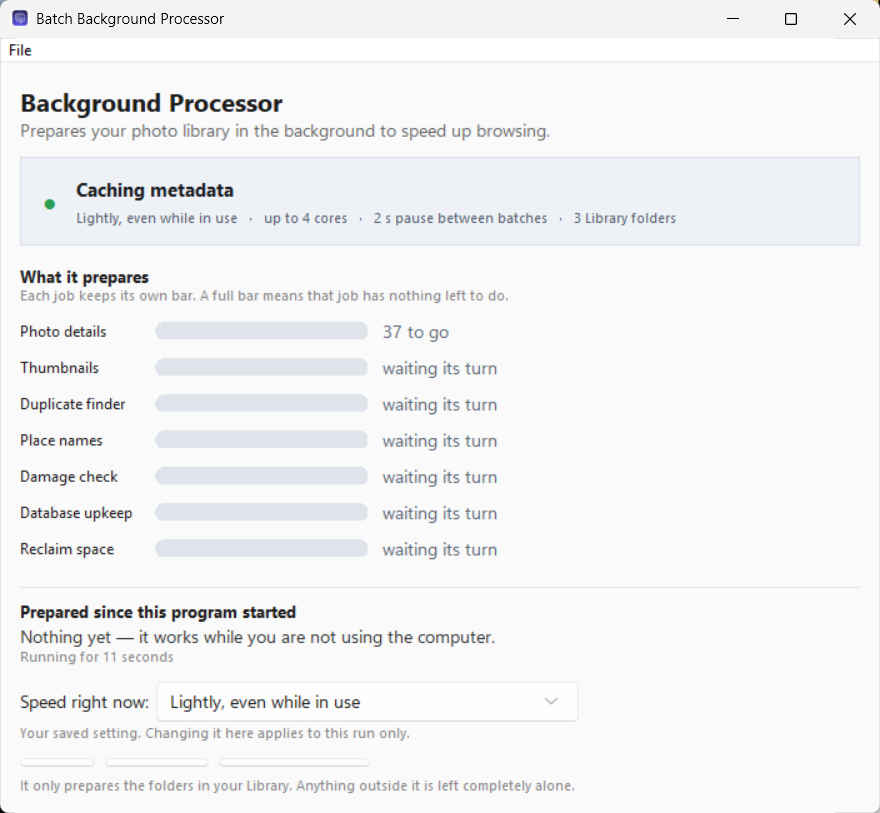
Yes, and it already does. Photos that have coordinates but no place names are filled in while you are away from the machine — never on battery unless you allow it, never during a game or presentation, at the lowest processor and disk priority Windows offers, and it stops the moment you touch the mouse. The separate Background Processor goes further and can start with Windows to build thumbnails, fingerprint files for duplicate detection and read photo details as well, so browsing is instant when you come back.
Which AI models can I use?
Pick one from the list in the AI settings and the connection details are filled in for you: Google Gemini 2.5 Flash through OpenRouter (the default, about 1¢ per 10 photos), Moonshot Kimi K2.5, OpenAI GPT-4o, Anthropic Claude Haiku 4.5, or NVIDIA NIM. Choose Custom to point the app at any other OpenAI-compatible service. AI analysis is entirely optional — everything else works without it.
Can I see my photos on a map?
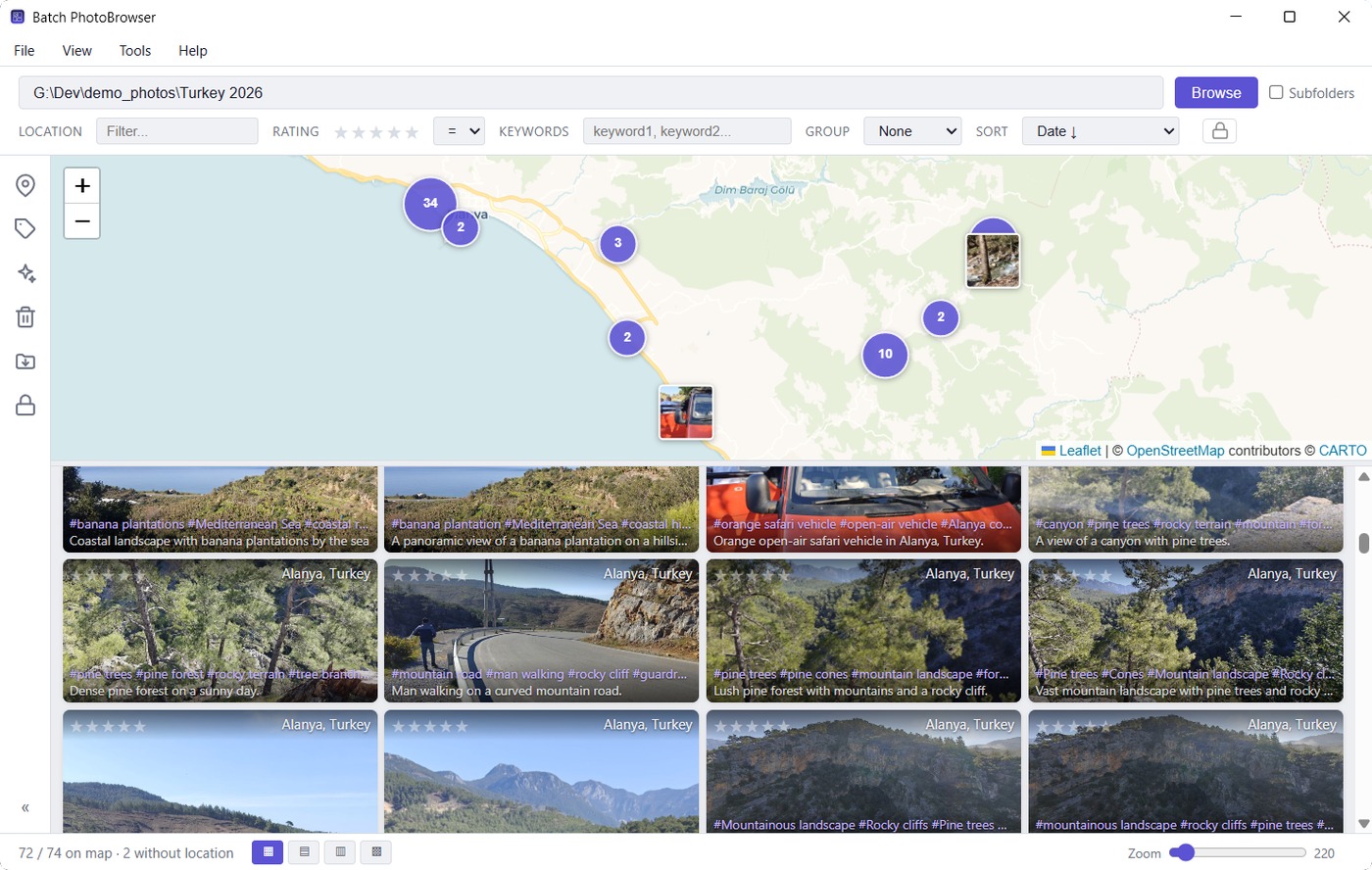
Yes, and the map is a way of choosing photos rather than just a view of them: the gallery underneath always shows exactly what is inside the map's current view, and sorting, grouping, ratings, batch editing and full-screen viewing all keep working on that selection. Photos you have marked private stay off the map while they are hidden.
Where do I change settings?
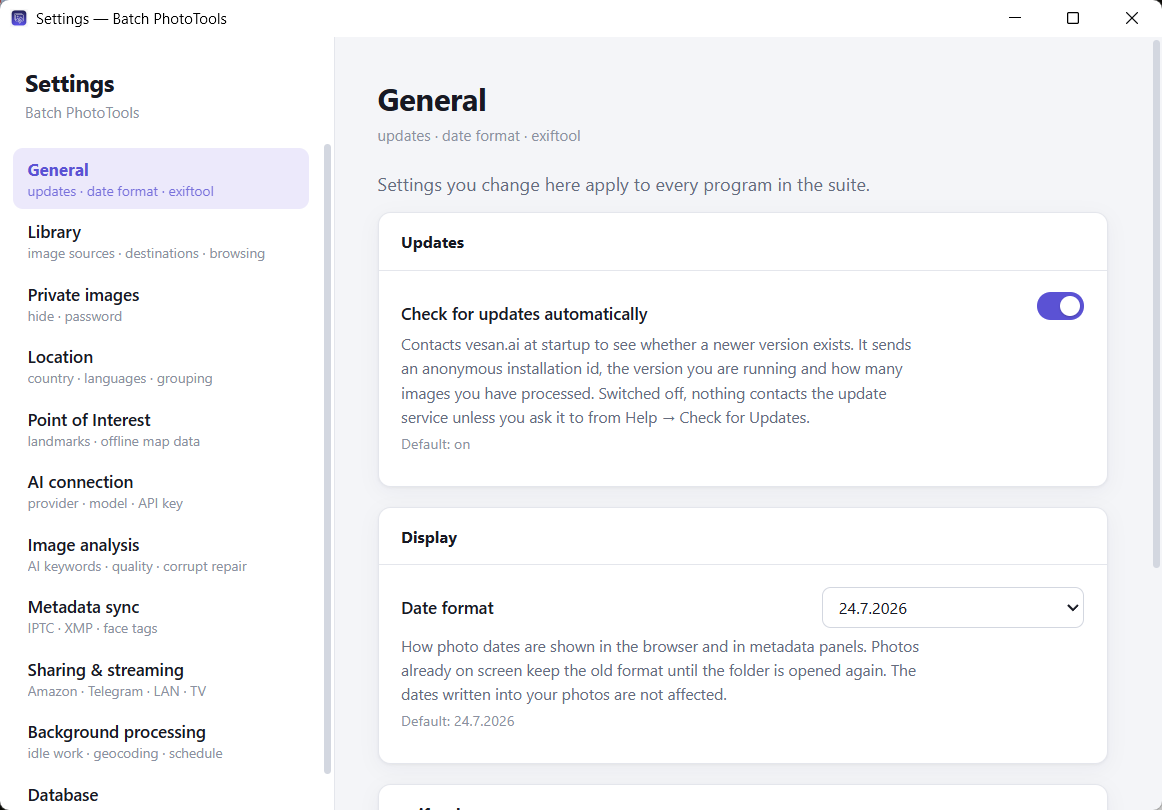
In one place. File → Settings in any of the seven programs opens the same window, organised by subject rather than by which program owns the setting: General, Library, Private images, Location, Point of Interest, AI connection, image analysis, metadata sync, sharing and streaming, background processing and database.
How many photos can it handle?
It has been tested on photo libraries of over 500,000 images. A folder from one trip is typically done in minutes, and a whole library in a single unattended run — photos taken in the same spot are recognised as one place rather than handled one at a time.